Visual Product Roadmap: Avoiding Mistakes for Maximized Impact
Quick Answer
A visual product roadmap is a graphic overview of product strategy. It aligns teams and stakeholders around vision, priorities, milestones and timeframes. Common roadmap approaches include agile, spiral and waterfall. You can build a collaborative visual roadmap with flowchart based tools like MindOnMap.
A visual product roadmap is a great method to have effective product strategy communication, clear priorities or objectives, and team alignment. Thus, this article will navigate more of its usage and provide a guide in creating your own effectively. In addition, we will get to see some of the common mistakes and practical tips you need to follow to maximize its impact on the project. Let us now start reading this article as you drive focus, collaboration, and long-term success with your company.

- Part 1: What is a Visual Product Roadmap?
- Part 2: How to Create a Product Roadmap
- Part 3: Common Mistakes, Tips, Pros and Cons
- Part 4: MindOnMap to Build a Product Roadmap
- FAQs about Visual Product Roadmap
Part 1: What is a Visual Product Roadmap?
Visual Product Roadmap
As an overview, a visual product roadmap is a set of graphic materials that represent your product’s strategy. This visual material can show how initiatives, features, and goals will evolve over time. It is important here to emphasize the strategic direction and have a clear view of priorities.
Purpose of Visual Product Roadmap
- • Alignment of Strategies. This can ensure your teams and your stakeholders have the same vision.
- • Be a Communication Tool. This has the ability to streamline complex plans into an easy-to-understand visual.
- • Support Decision Making. Helping prioritize your initiatives and adapt quickly to market changes.
- • Focuses on Customers. User needs always connect with product goals.
Key Elements
In creating a visual product roadmap, there are key elements that you need to include and should always be present in the data. These are the key elements that we are talking about:
- • Vision. It should be a long-term productive direction or goal.
- • Themes or Objectives. This should be a strategic goal for growth and retention.
- • Timeframes. This should be published and released each quarter.
- • Milestones. This is about the major deliverables and achievements.
- • Ownership. There should be clear accountability for initiatives.
- • Dependencies. The connection between the tasks and external factors.
- • Audience Fit. These are the views that are tailored by leadership, customers, and engineering.
Part 2: How to Create a Product Roadmap
Step-by-step Guide to Creating a Product Plan
First and foremost is setting clear and structured goals. All of the product vision, goals, and stakeholders should be aligned with each other.
After that, you need to choose time-based events such as quarters or releases. On the other hand, you can use a priority-based approach. This will always depend on the context.
Have an outline for your initiative. It is also important to set your timeframes
Then, if you have already filled those details, it is important to visualize these details using a great tool, MindOnMap. This will allow you to create a shareable diagram for your team.
Now, review and do some revisions on your roadmap. Then ensure that you keep it updated every time.
Examples and Case Studies
- • E-commerce Platforms. This should use an agile roadmap for frequent updates.
- • Healthcare App. This is under the spiral roadmap, where you can emphasize risk management and compliance for regulatory requirements.
- • Banking System. This should have a waterfall roadmap using fixed requirements.
Part 3: Common Mistakes, Tips, Pros and Cons
Common Mistakes
- • Too Focused on Features. Planning with all features in connection with strategy.
- • Not Flexible. They see it as a fixed approach rather than adaptable.
- • Preventing Stakeholders. No leadership involved.
Practical Tips
- • Keep it Strategic. This should focus on the goal and outcomes.
- • Update Regularly. Constant updates and refining the shift of priorities.
- • Balance Details. Balance details without overwhelming the audience.
Pros and Cons
PROS
- Aligns teams with the same vision.
- Ability to share with your colleagues.
- This can help you prioritize initiatives.
- It has flexible assets to market.
CONS
- It can oversimplify complex strategies.
- There is a risk of misinterpretation.
- This can become outdated
- Unrealistic timeline.
Part 4: MindOnMap to Build a Product Roadmap
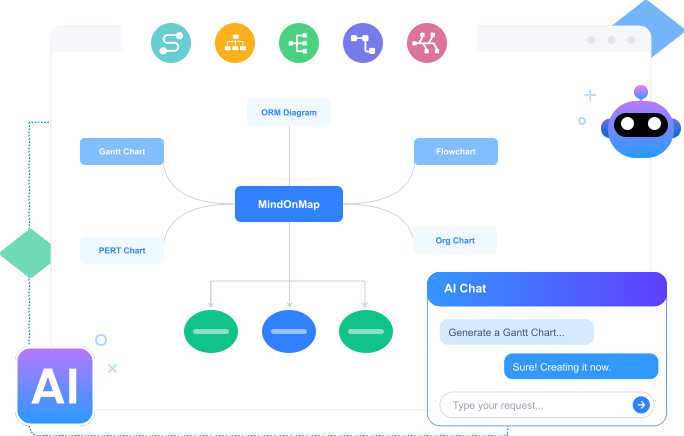
We learn the key details of a visual product roadmap. We shall now move forward in knowing a great tool that can help you visualize your plan. In this aspect, there is no better tool for us than MindOnMap. This tool offers features that allow us to design our own roadmap with ease. It has numerous shapes and elements that you can use to make your roadmap more presentable. That means MindOnMap offers an easy-to-understand visual and makes communication within the team easy and flowing. This act alone can prevent misunderstanding, ensuring the team shares one goal. Let us now see the simple steps to use MindOnMap.
Get the amazing MindOnMap tool from their website. This tool is free, so get it now and immediately install it on your PC or MacBook.
Secure Download
Secure Download
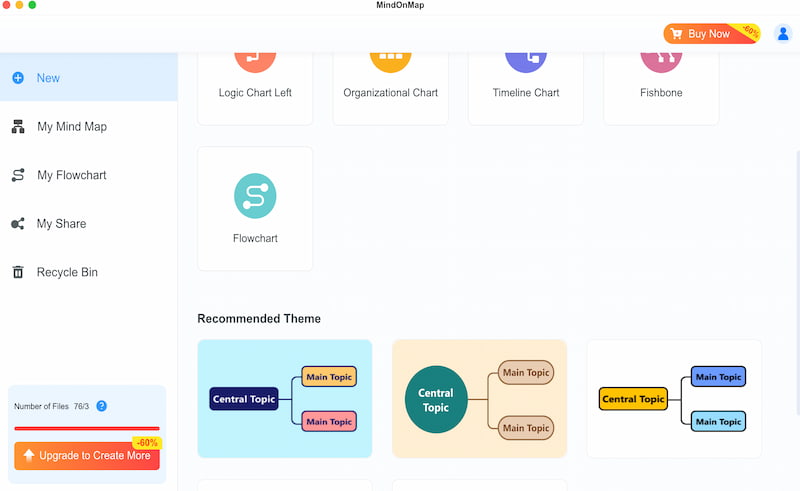
After that, open the tool on your computer now and access its main feature. From there, click on the Flowchart feature. This will give you full access and capability to create your visual product roadmap with ease and effectively.
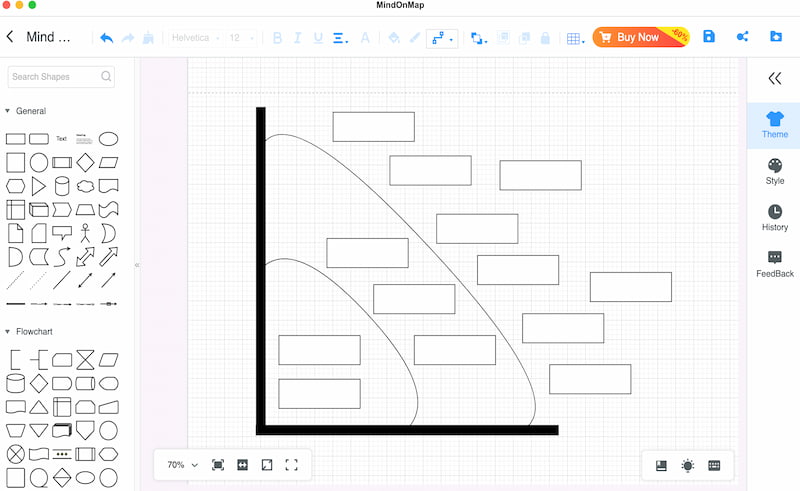
You can use the Shape feature now and start the main layout of your roadmap. You can use as many shapes as possible depending on the needs for the details.
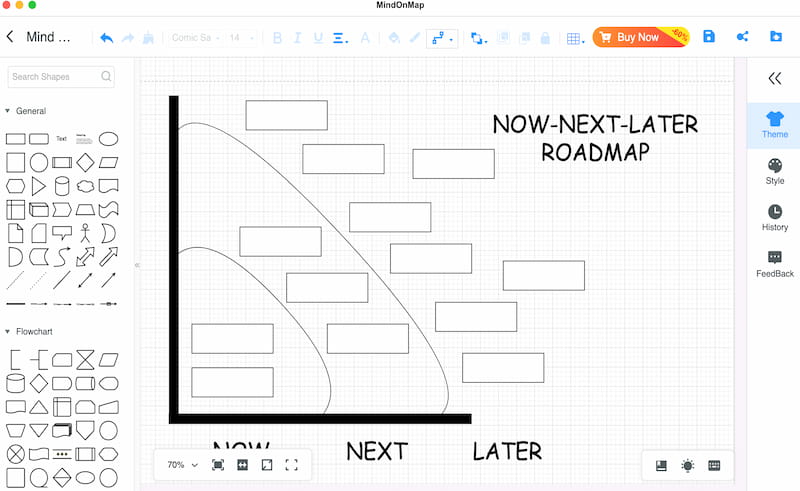
At this moment, add the in-depth details of the roadmap using the Text features. Ensure that you add the details correctly based on the proposed paper given.
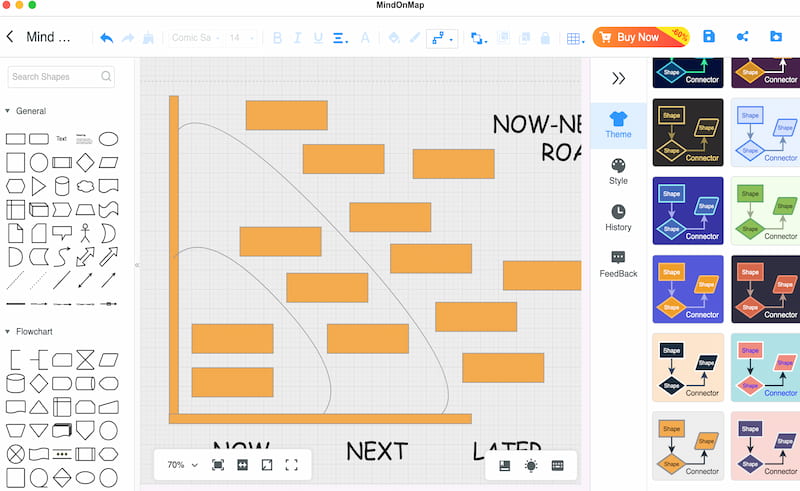
Finally, we have now finalized the roadmap by adding a theme to it. This will decide what the overall look of your roadmap will be. You can choose from the available themes or customize your own by using the Colors. If you are now good with it, click the Export button now and save the roadmap in your preferred file format.
That is the power of MindOnMap in giving you the ability to create your visual material for a product roadmap. With its features, you will now have a clear direction in terms of the plan regarding your products. Use it now and create your own for free and with ease.
FAQs about Visual Product Roadmap
Q: Can I use metrics alongside a roadmap for tracking?
A: You can use KPIs like feature adoption, customer retention, and release velocity. This can tell you if the roadmap delivers impact.
Q: Is there a risk of not updating the roadmap regularly?
A: Outdated roadmaps can mislead stakeholders and reduce trust. This can also cause misalignment with our product vision and execution.
Q: What are the biggest mistakes to avoid with my roadmap?
A: You should avoid adding too much information to your roadmap. Especially adding so many features without linking to any strategy.
Q: What is the difference between a product roadmap and a backlog?
A: A product roadmap outlines high‑level goals, themes, and intended outcomes over a longer time horizon. A backlog is a dynamic list of granular features, bug fixes, and tasks ready for the development team to pick up in upcoming sprints. The roadmap sets the direction; the backlog holds the actionable work items.
Conclusion
Therefore, we can conclude that having a visual product roadmap can help you manage the plans and tasks that can lead you towards achieving your goals. Good thing we have MindOnMap that can help us create presentable visuals for your roadmap. Use it for free, and you will see its full potential. Get it now!