Design Thinking Workshop: Solutions with Creativity and Empathy
Quick Answer
A design thinking workshop is a collaborative, human centered problem solving session. It drives creative solutions through empathy and cross-team input. This article covers its workflow, common pitfalls, pros and cons, plus how to visualize workshop activities with MindOnMap’s flowchart tool.
There is a powerful method to spark creativity, align teams, and solve real problems on your task using a human-centric approach. This method is called a design thinking workshop. That is why – if you are interested in this approach, this article is for you.
Join us as we discover what this workshop is all about and how it can help us be effective in running it. We will basically get to know important details about it. In addition, let us also see how powerful MindOnMap is in terms of helping us create a great visual for the flow of ideas, activities, and performance using its amazing features.
- Part 1: What is a Design Thinking Workshop?
- Part 2: How to Run a Design Thinking Workshop
- Part 3: Common Mistakes, Tips, Pros, and Cons
- Part 4: Use MindOnMap to Organize Workshop Flow
- FAQs about Design Thinking Workshops
Part 1: What is a Design Thinking Workshop?
What is a Design Thinking Workshop?
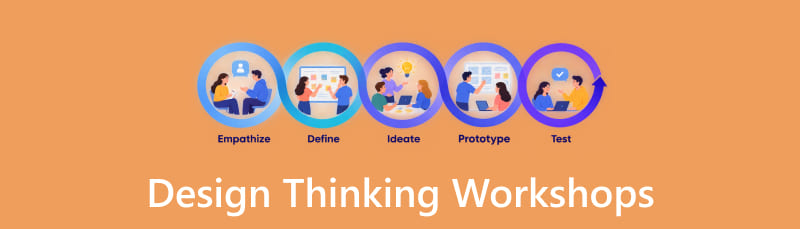
We define a design thinking workshop in a simple way. We only need to remember that this is a collaborative and problem-solving method. It is where the participants discuss the challenges and think of a solution in a human-centric way. Moreover, the workshop centered on empathy, creativity, and rapid research of actionable solutions. This kind of method is usually used in the IT industry, the healthcare field, academic curricula, government services, and more.
Stages and their Purposes
- • Cross-functional Collaboration. This can break silos by involving diverse stakeholders.
- • Creative Problem Solving. This workshop encourages everyone to create unconventional ideas.
- • Actionable Outcomes. It is also a process that gives us actions and the next steps.
Part 2: How to Run a Design Thinking Workshop
Step-by-Step Process
There are proper steps in running your own design thinking workshop. We have listed every step you need to take below so that you will not miss any important details. Check them out now:
The first thing that we need to do is define the challenge and visualize your desired outcomes. This is a great way to set clear objectives.
It is now important to know your users or participants. You can do it by empathizing with the people and gathering their insights, needs, and pain points.
From your vision and the gathered insights from your people, it is time to frame your problem or make a clear thesis problem.
With the problem being finalized, you shall now generate and create a prototype idea. Gather your team to brainstorm solutions that you can use for your prototype.
You shall now validate the solutions you came up with, do some revisions, and assign the follow-up actions needed.
Examples and Activities of Design Thinking Workshop
- • Healthcare. This is where you can create patient-friendly hospital navigation. This can be done by using journey mapping and role-play.
- • Education. You can develop interactive learning modules that include brainstorming and paper prototyping.
- • Human Resources. Another useful activity in the human resources field is improving the onboarding process for an employee.
Part 3: Common Mistakes, Tips, Pros, and Cons
Common Mistakes
- • Skipping Empathy. You should not skip this step. Ignoring the step where you get to know your audience can give you weak solutions and assumptions.
- • Superior Voices. The details will not balance if there are superior voices. This can overshadow diverse ideas.
- • Overloading Activities. Having so many activities to cover can reduce the quality and depth of it.
- • No Follow-ups. Constant updates can help it work successfully.
Practical Tips
- • Timebox Activities. You need to keep all the sessions focused and productive.
- • Create Prototype Quickly. Transform ideas into tangible form so that you can test them out immediately.
- • Document Outcomes. You need the data, insights, and prototype to know what your next step will be.
PROS
- This is a human-centered solution.
- It can foster cross-functional collaboration.
- A creative booster.
- It can bring rapid innovation.
CONS
- It can be time-consuming.
- Resources can be heavy.
- There is a risk of superficiality.
- The outcomes can be uncertain.
Part 4: Use MindOnMap to Organize Workshop Flow
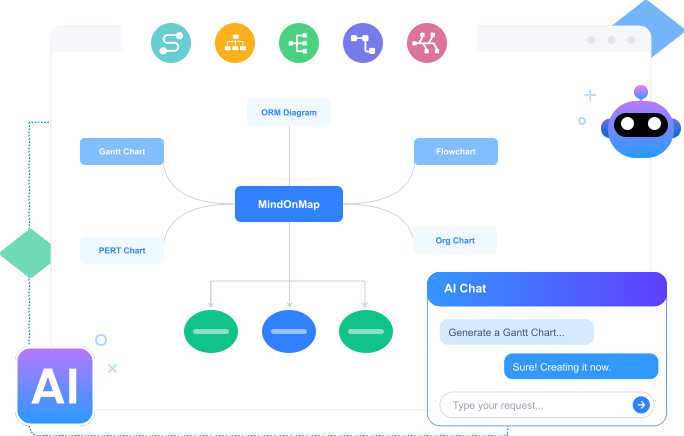
We get to know more about design thinking workshops. We basically understand that it helps many fields create solutions that are human-centered while encouraging them to be creative. That is why, in this post, we will get the chance to be creative because MindOnMap is here to help us create our workshop flow. This tool possesses various elements and features that you can use to design your own flow with creativity.
You can use MindOnMap for remote design-thinking workshops. Unlike dedicated whiteboards such as Miro and FigJam, it works best for documenting and visualizing the full design thinking workflow rather than live sticky-note brainstorming. It suits hybrid teams that need a lightweight tool to finalize and share the structured workshop output.
Get the tool for free. Install it immediately on your computer.
Secure Download
Secure Download
Open MindOnMap now on your computer and access the Flowchart feature. This can give you full control in creating the flow with creativity.
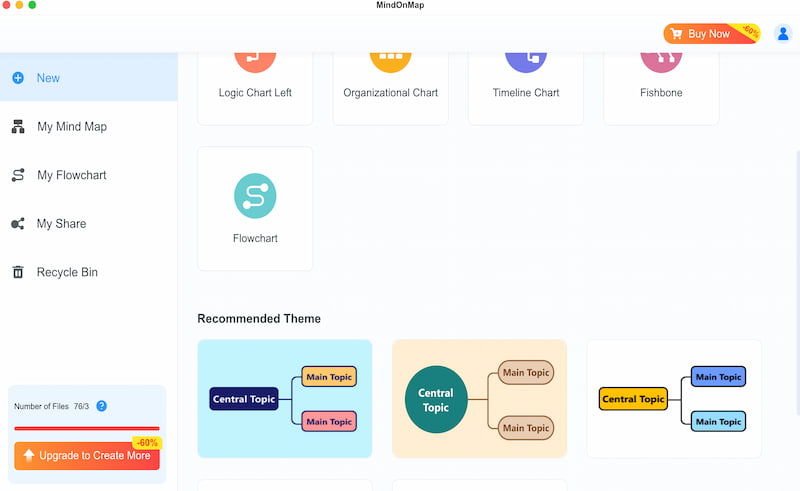
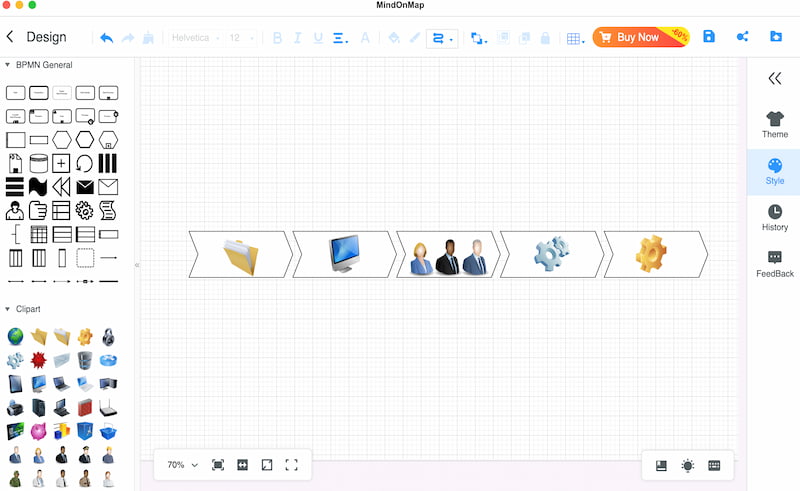
From the blank canvas, you can now select the shapes and place them as you start the foundation of your design. Select as many shapes as you want, depending on the key components you need to elaborate.
At this moment, use the Text feature to add certain details of your flow. This is where the flow becomes deeper and more useful for presentation.
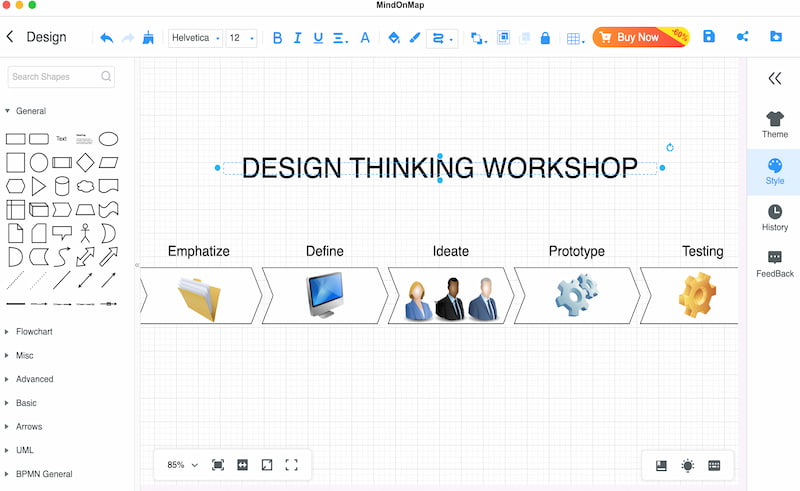
You can now see a bigger picture of your visual flow. Let us add more spice to it by adding the Theme to set the overall look of the framework. You can also customize it in accordance with your preference by using the Colors feature.
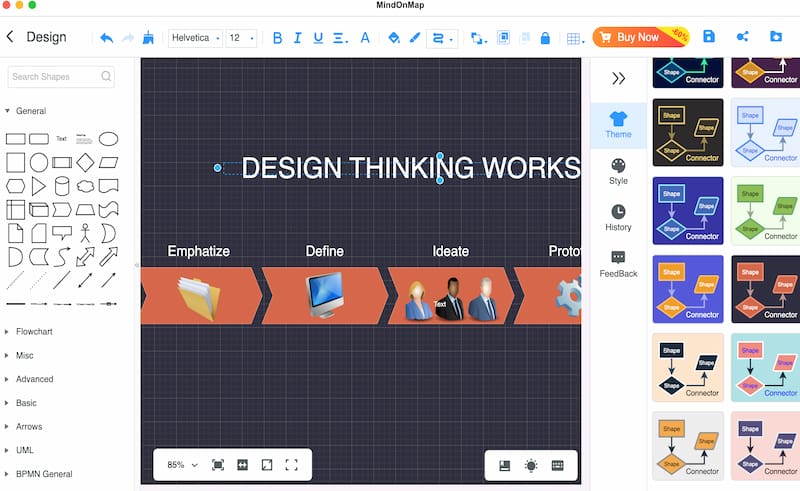
You can now finalize everything by double-checking the details and anything you want to revise. Once everything is good, please click the Export button and save the file in your preferred format.
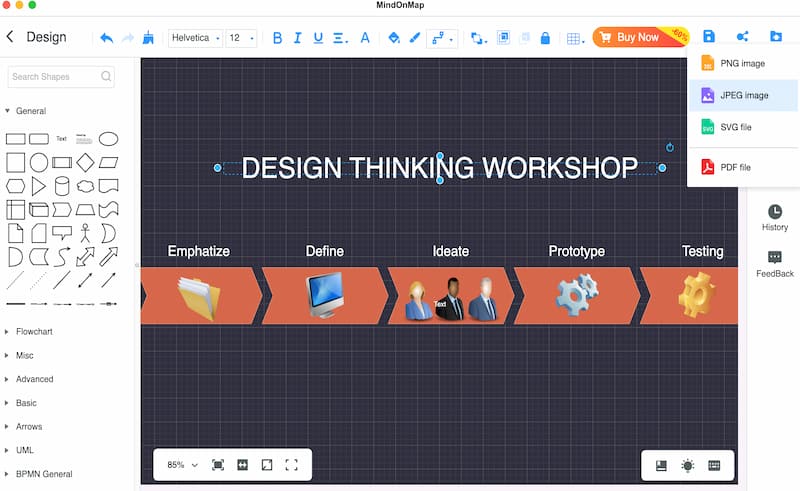
That’s how MindOnMap pushes us to be creative in creating a visualized flow of our design thinking workshop. You can see how effective it is and how good the features it possesses are. You can use it now for free and create your own flow with ease.
We once hosted a 4-hour design thinking workshop with 8 participants, including product, UX, and customer service members. We went through all five stages of design thinking. The final deliverables were a user pain point map, one low fidelity prototype sketch, and a prioritized list of improvement ideas for the mobile checkout flow.
FAQs about Design Thinking Workshops
Q: How long can a design thinking workshop last?
A: This typically runs for one to two days. However, there are times when it can only run up to three- to four-hour sessions depending on the challenges encountered.
Q: How can I keep the participants engaged?
A: You can use interactive activities such as role-play and group rotations to maintain energy. It is also advisable to build a connection with the participants.
Q: What industries benefit most from the workshop?
A: IT, Healthcare, education, and retail are most likely the fields that can benefit the most from doing a design thinking workshop. Because these fields have more human-centered challenges than other fields.
Conclusion
In conclusion, running a design thinking workshop can help you manage participants and maintain real collaboration from them. In this article, we get to know how it works and what steps we need to take in order to run our own workshop effectively. The good thing is, we also have MindOnMap, which offers great tools for creating our own flow in a visualized manner. Get it now for free and create your own flow with ease.