Create a Graphic Organizer for Teachers: Guide for Academic
Being an educator will also allow you to navigate complex topics, whatever subject you are handling. Thus, having a graphic organizer effectively helps teachers present complex ideas or topics. That is why, in this article, we will navigate the power of graphic organizers for teachers. We will discuss its benefits, uses, and types. In addition, we will provide leading tools to help you create your own visual materials with ease. Explore now and learn things that will help you, whether as an educator or as a student.
- Part 1: What Are Graphic Organizers for Teachers
- Part 2: Benefits of Graphic Organizers in Teaching
- Part 3: Common Types of Graphic Organizers
- Part 4: Classroom Uses of Graphic Organizers
- Part 5: Recommended Graphic Organizer Tools for Teachers
- FAQs about Graphic Organizers for Teachers
Quick Answer: Graphic organizers for teachers are visual tools that help organize ideas, explain complex topics, and improve student comprehension. Common types include KWL charts, Venn diagrams, concept maps, flowcharts, and T-charts. Teachers can use them across subjects to support critical thinking, collaboration, and diverse learning needs. MindOnMap makes it easy to create customized teaching graphic organizers.
Part 1: What Are Graphic Organizers for Teachers
Let us start by defining what a graphic organizer means for teachers. A graphic organizer is a great visual tool that helps teachers structure ideas, analyze concepts, and make complex topics easy to understand. To be specific, these are diagrams or charts that visually represent the relationships among ideas, concepts, and facts. In addition, teachers are using this medium to guide instruction, while students use it to organize their thoughts and review content with ease.
Part 2: Benefits of Graphic Organizers in Teaching
We move forward with the benefits it gives to teachers. It is common knowledge that these materials are very helpful. Here are points to elaborate on:
Supporting Diverse Learners
As an educator, you should know that students learn in different ways. Using these materials will allow your students to externalize mental processes such as categorizing or sequencing.
Reducing Cognitive Load
With the visual materials you use, students will now prevent overloading cognitive resources. Using the graphic organizer, you can help your students focus on the ideas that help them understand the concepts more easily.
Flexible for Subjects
Using graphic organizers is applicable to different subjects. You can use it for reading, writing, science, history, and even mathematics.
Part 3: Common Types of Graphic Organizers
There are various types of graphic organizers. In fact, in these modern days, people are creating their own hybrid versions that suit their needs. Yet, we still have the original version and common types. These are the following:
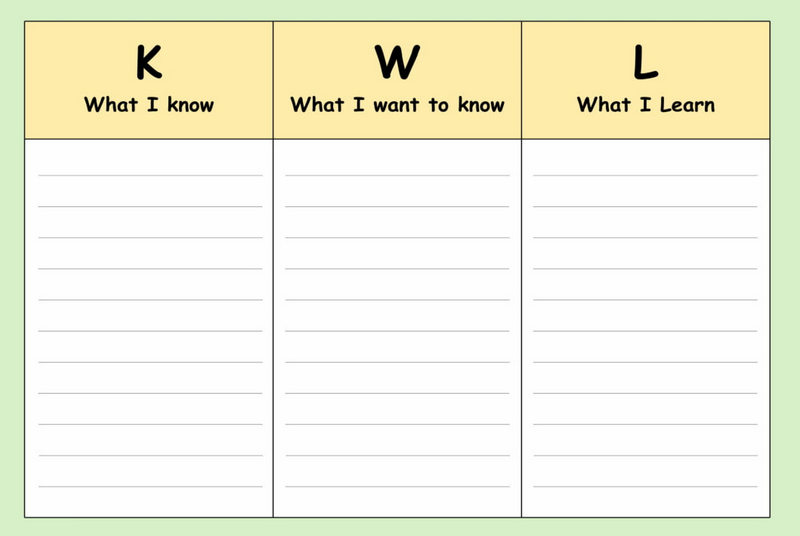
KWL Chart
This typically comes with three columns for Knows, Want to Know, and Learned. This type of graphic organizer is good if you want to activate prior knowledge and let your students reflect.
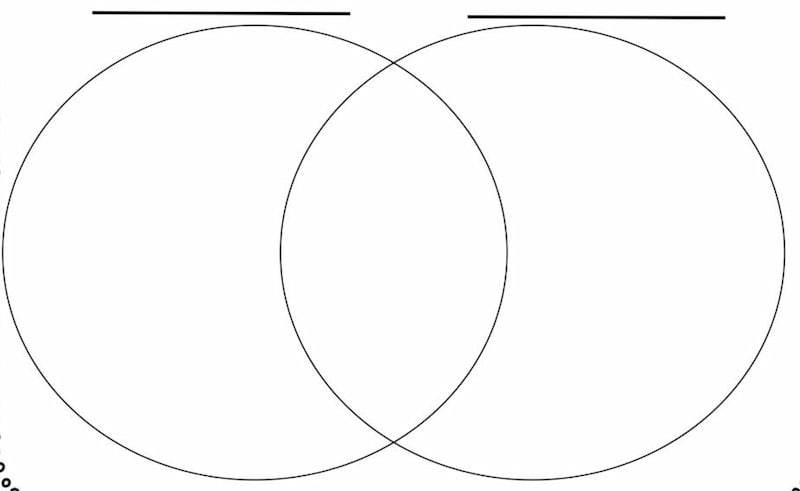
Venn Diagram
A Venn Diagram is a popular chart for students and teachers. This is known to have two overlapping circles. This helps you to compare and contrast ideas, characters, or events.
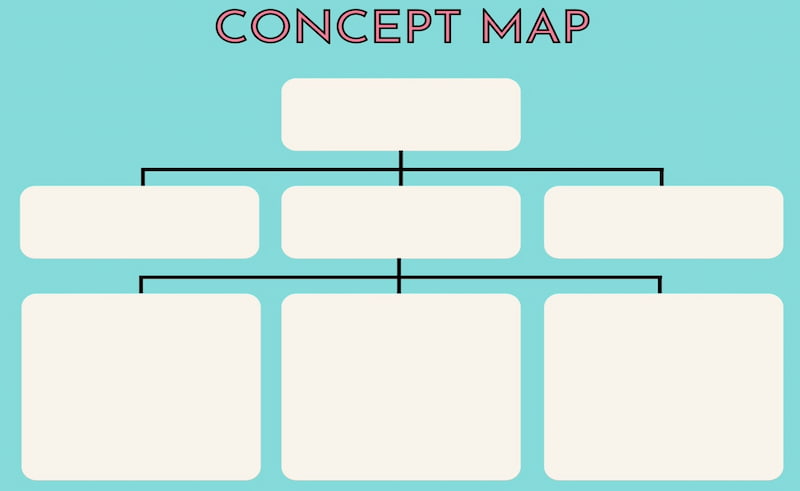
Concept Maps
Concept maps can show you the relationships among your ideas in a web structure. This commonly presents a central concept in the middle, with a branch connecting the sub-topics, details, and examples.
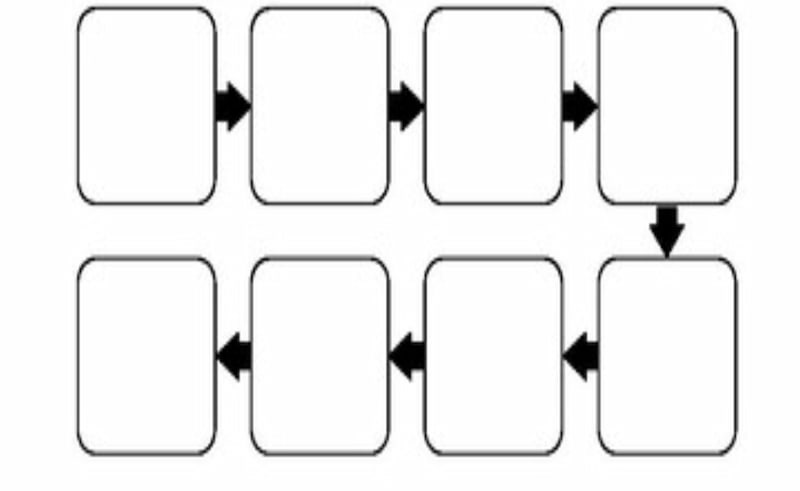
Flowcharts
The next one is called a flowchart, which can illustrate the process, sequence, and steps in decision-making. In terms of structure, it typically features boxes and shapes connected by arrows. This basically shows the progress of a step.
T-Chart
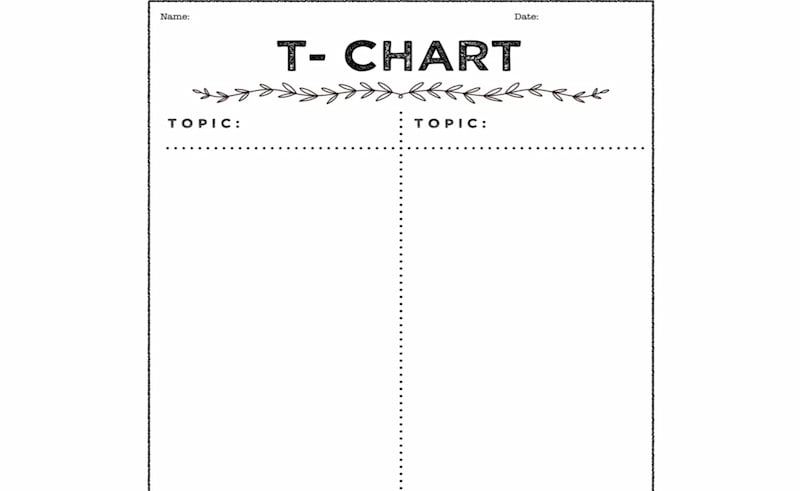
Another one is the T-Chart, which can show you two columns that indicate the pros and cons, facts or options, and cause or effect. You can use this with other topics that showcase sub-topics.
Part 4: Classroom Uses of Graphic Organizers
Aside from the general benefits of graphic organizers, there are also specific uses in classroom setups.
- • Enhance Comprehension. It can help students understand even complex topics more easily.
- • Support for Critical Thinkers. It is a great medium for analyzing concepts and ideas.
- • Pushes Collaborations. Organizers allow students to brainstorm together and share their knowledge with each other.
Part 5: Recommended Graphic Organizer Tools for Teachers
After learning all the details about graphic organizers for teachers, we know that you have now decided to use your own visual material. Good thing we have recommended several tools to help you create your own chart with ease.
| Tool | Best For | Best Reader | Team Size |
| MindOnMap | Creating mind maps, concept maps, and flowcharts | Teachers and students who need structured visual learning materials | Individual users or small groups |
| Canva | Designing colorful, polished classroom worksheets, charts, and infographics | Teachers who prioritize visual design and ready-made templates | Individuals or collaborative classroom teams |
| Google Slides | Creating presentation-based graphic organizers and group learning activities | Teachers and students who need to present ideas and collaborate on shared slides | Individuals, pairs, or larger classroom groups |
Among them, MindOnMap is the most convenient for its fast loading speed and easy operation. This tool is a top-of-the-line option for creating maps and flowcharts for presentations and discussions. Here are more features you can enjoy with this tool, along with simple steps to create your own.
Key Features
- • Wide options for mind maps, flowcharts, and more.
- • Available theme, ready to use anytime.
- • AI integration for easy information management.
- • Collaborative using link sharing.
You can install this amazing tool, MindOnMap, for free by clicking the download buttons below.
Secure Download
Secure Download
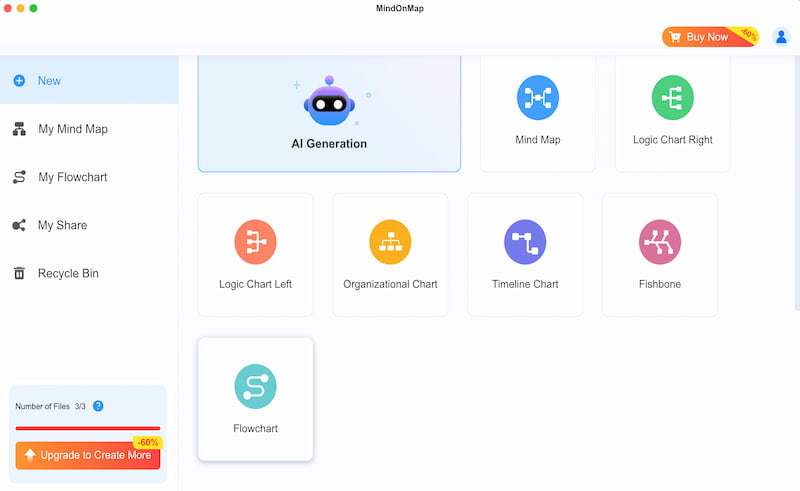
Open the tool on your computer and click Flowchart among the options. This can easily help you create your own graphic organizer.
Add a shape to the blank canvas and start to lay out your chart. In this sample, we added two circles to create a Venn Diagram.
After that, add the details by using Text features. Ensure that you add the correct details and information.
You can now set the total look of the chart by choosing the Theme. Finally, save your visual by clicking the Export button, then choosing the format you need.
FAQs about Graphic Organizers for Teachers
Q: How can I know the right organizer for a lesson?
A: You need to match the organizer to the thinking process. Know a Venn diagram for comparing ideas, a flowchart for sequence, or use a concept map if you need a bigger picture of the relation between ideas and concepts.
Q: What mistakes should you avoid when using a graphic organizer?
A: Avoid handing out blank graphic organizers to your students without instruction. Graphic organizers can be overwhelming for students if you do not discuss them properly.
Q: How can a graphic organizer help struggling learners?
A: A graphic organizer can easily reduce the cognitive load using the structure. These materials can help students avoid juggling content and organization, allowing them to focus more on the ideas.
Q: Can I use a graphic organizer to improve vocabulary learning?
A: Definitely. There are other types, such as Frayer charts and concept maps, that can deepen understanding of the word. These maps typically show the relationships among definitions, examples, and non-examples.
Conclusion
In conclusion, you can now see a bigger picture of what a graphic organizer for teachers can do. We can see that it benefits both students and teachers. Good thing, we can now easily create our own material using MindOnMap. Everything will now be possible thanks to its wide range of features. Try it now and discover more of the things it offers.