Explore the Best Real-Time Collaboration Tools to Operate
Nowadays, online collaboration tools have become an essential medium for teams. Its main purpose is for the team to stay connected, productive, and organized while dealing with projects, tasks, or any activities. Plus, these platforms let users share files, communicate in real-time, and handle projects seamlessly. So, are you looking for an excellent real-time collaboration tool? Worry no more. This post will give you all the best tools you can utilize to collaborate with your team. Without further ado, check here and explore the best collaboration tools.

- Part 1. What is an Online Collaboration Tool
- Part 2. Best Online Collaboration Tools Comparison
- Part 3. Best Online Collaboration Tools
- Part 4. How to Select the Best Online Collaboration Tool
- Part 5. FAQs about Real-Time Collaboration Tools
Part 1. What is an Online Collaboration Tool
An online collaboration tool is a digital platform created to help users/individuals, or teams, work together more effectively. This tool is perfect if you want to work with others, even if you are in another location. Plus, these tools combine helpful features like file-sharing, project management, and real-time communication. This way, you can streamline workflows and keep each individual aligned. By centralizing tasks and conversations, there is no need for endless email chains. It can even make teamwork more efficient and transparent.
In addition to simple conversation, online collaboration tools often integrate with other tools and apps to create a cohesive workspace. They can track progress, assign tasks to a certain team, and uphold accountability. With that, we can tell that collaboration tools ensure that you have the features you need that can help your task move smoothly without any problems.
Part 2. Best Online Collaboration Tools Comparison
| Tool | Best For | Key Features | Ease of Use | Free Version |
| MindOnMap | Flowcharts, mind maps, team brainstorming | Flowchart maker, templates, shape library, link sharing, multiple export formats | ⭐⭐⭐⭐⭐ Easy | ✅ Yes |
| Coggle | Simple mind mapping and idea organization | Mind maps, image uploads, unlimited branches, browser-based collaboration | ⭐⭐⭐⭐⭐ Easy | ✅ Yes |
| MindMeister | Professional mind mapping and project planning | Templates, presentation mode, cloud sync, project management integrations | ⭐⭐⭐⭐ Moderate | ✅ Limited |
| Ayoa | Team collaboration and task management | Mind mapping, task tracking, team chat, flexible layouts | ⭐⭐⭐ Moderate | ✅ Limited |
| Miro | Visual collaboration and project workshops | Infinite whiteboard, sticky notes, drag-and-drop tools, Google Drive & Slack integration | ⭐⭐⭐⭐ Moderate | ✅ Yes |
Part 3. Best Online Collaboration Tools
Want the best tool for real-time collaboration? Then, you can explore all the tools you can access on your browser by reading all the information in this section.
1. MindOnMap
If you need an excellent tool that can let you collaborate with others, feel free to access MindOnMap Flowchart Maker. This tool is ideal since it ensures that you can finish your task easily and smoothly. What we like here is that it can provide all the features you need. You can access various basic and advanced shapes, connecting lines, arrows, colors, and more. Plus, you can also share your task via a link, which is perfect if you want to share it with your team. Thus, if you need the best collaboration tool, consider using MindOnMap.
If you want to use this tool to create your project, you can follow the steps below.
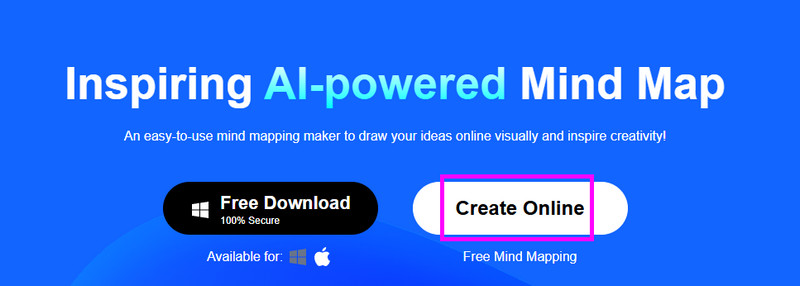
You can access MindOnMap on your browser and start creating your account. Once done, tap the 'Create Online' button to start loading the tool's primary interface.
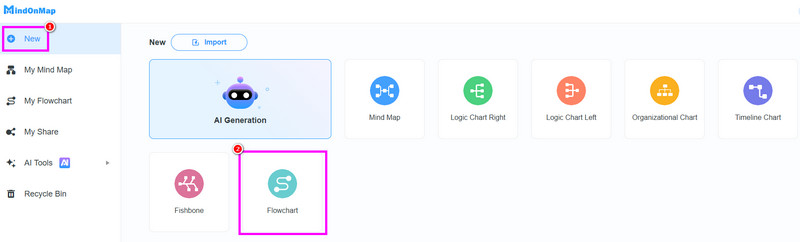
After that, proceed to the New section and use the Flowchart feature. After the loading process, the main interface will appear on your screen.
You can start creating your task. You can go to the General section to access various shapes. You can also double-tap the shapes to insert all the information you need.
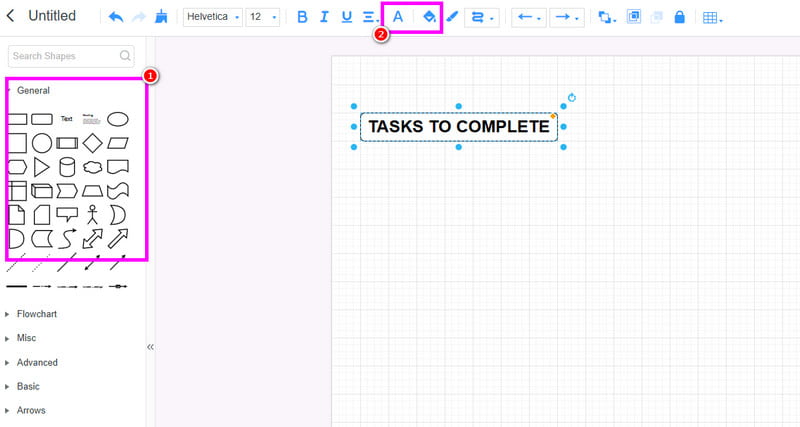
To add color to the shapes and text, use the Fill and Font Color feature above.
Once you are done with creating the task, tap the Save button above. You can also share the output by using the 'Share' function.
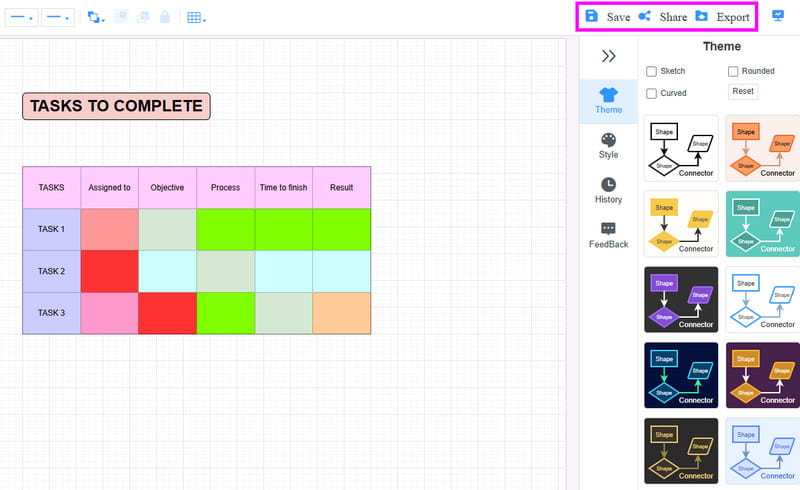
To save the work on your device, feel free to use the Export feature.
Pros of MindOnMap
- • The tool is easy to operate, thanks to its simple user interface.
- • It supports various output formats, such as PNG, JPG, SVG, DOC, etc.
- • It can offer ready-made templates for an easier creation process.
- • The tool is accessible on both browsers and desktops.
After using the tool, we can tell that collaborating with others while doing the task is easier and smoother. It can even give you a straightforward layout, making it an ideal tool for non-professional users. Thus, always use MindOnMap when creating the better visual representation while collaborating with others. Additionally, it is an excellent tool for collaborative planning, allowing teams to organize ideas, map out workflows, assign tasks, and develop project strategies together in real time.
2. Coggle
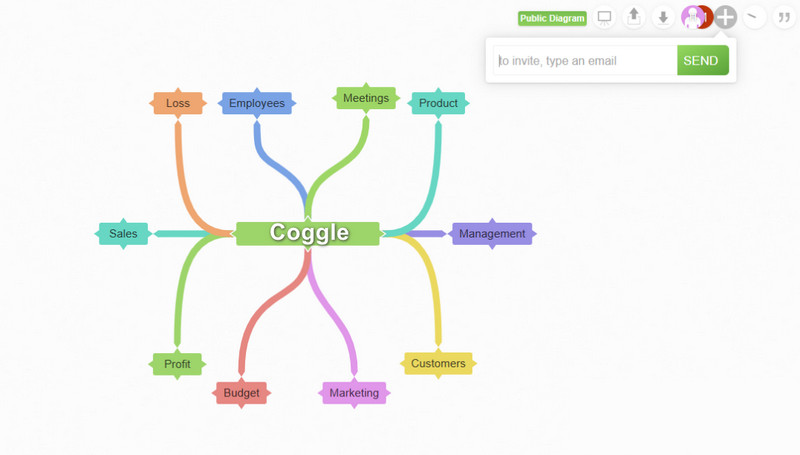
Coggle is a simple, web-based tool designed for creating clean and visually appealing mind maps. It allows real-time collaboration, making it easy for teams to brainstorm and organize ideas together. What's more, it can offer its simple layout while offering advanced features, such as image upload and multiple branches.
PROS
- The tool is easy to use.
- It can offer its free version to check its capabilities.
CONS
- It has limited customization settings.
- Some advanced features require paid plans.
3. MindMeister
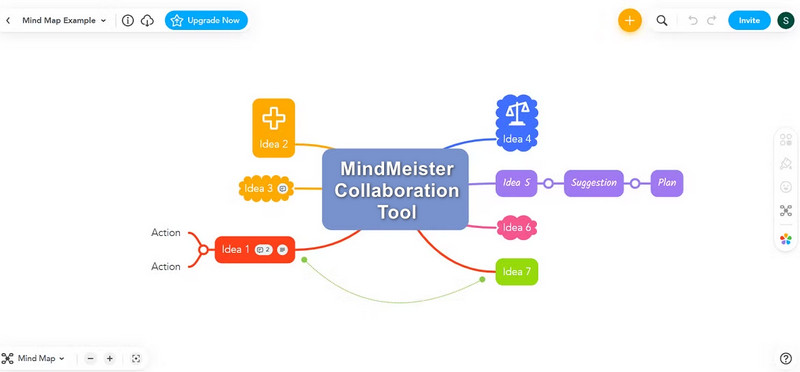
MeisterTask and other project management tools work nicely with MindMeister, a well-known online mind mapping tool. It is appropriate for both business and education because it provides a variety of templates, presentation styles, and collaboration tools. Its cloud-based architecture guarantees cross-device accessibility.
PROS
- It has a strong integration with other tools.
- The tool has various features, perfect for completing the task.
CONS
- To experience its full functionality, access the subscription plan.
- The main interface of the tool might be overwhelming for non-professional users.
4. Ayoa
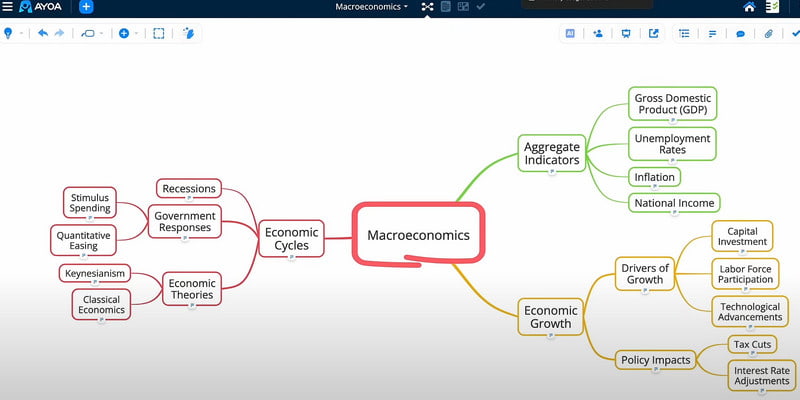
Another tool for real-time collaboration you can rely on is Ayoa. With this tool, you can manage tasks and organize information while collaborating with other users or a team. What makes it ideal is that it can offer a team chat and task analysis, making the collaboration more effective and engaging. This way, you can share your ideas freely, ideal for creating an accurate result after the process.
PROS
- The tool has flexible layouts.
- With its built-in team communication, it is easy to communicate with the team.
CONS
- It has a confusing user interface.
- The tool's premium version is expensive.
5. Miro
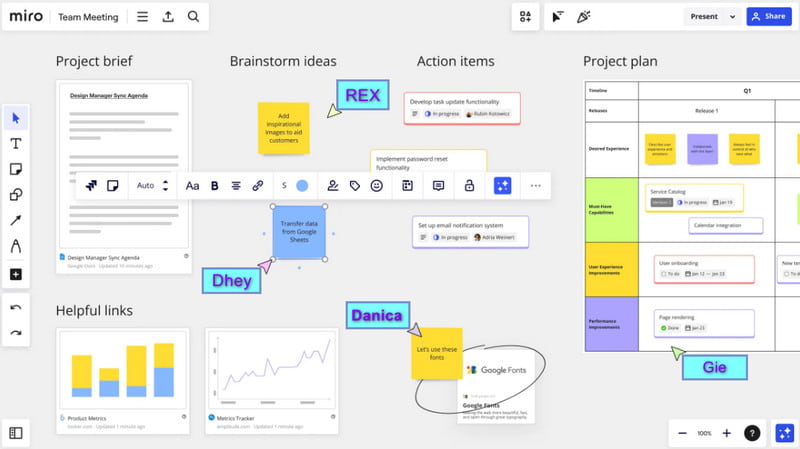
For our last real-time collaboration tool, we have Miro. With this tool, you can ensure that you work with your team when creating and managing projects/tasks. It can even offer more engaging features, such as drag-and-drop, sticky notes, and more. It can also be integrated with other platforms, such as Google Drive and Slack. With that, always consider using this tool if you plan to collaborate with others.
PROS
- It has a strong integration with other platforms.
- It has a fast export process.
CONS
- Some of its features are challenging to operate and locate.
- There are times when the software gives you slow performance.
Part 4. How to Select the Best Online Collaboration Tool
Want to get helpful tips on how to choose the right collaboration tools? You can read all the details in this section.
- • Team Needs and Goals – When choosing the tool, ensure that it can offer various features, such as project tracking, communication, and creative collaboration.
- • Ease of Use – For smooth task management, it is best to use a tool that is easy to operate.
- • In integration Capabilities – Ensure that the tool is integrated with other platforms, such as Google Docs, MS Teams, Google Drive, and more. This way, you can easily share your work.
Part 5. FAQs about Real-Time Collaboration Tools
What are the tools to measure team collaboration time?
If you need a tool that can measure collaboration time, you can use Lucid, Pumble, MS Teams, and ProofHub. With these tools, you can track every activity before and after the process.
Do real-time collaboration tools require a stable internet connection?
Absolutely, yes. Since the tools are continuously syncing, a fast and stable internet connection is highly recommended. It is also ideal to avoid any lags and delays.
Is it safe to use online collaboration tools?
If you are using a reputable tool, then there is no need to worry about your privacy and security. Always search for a reliable tool to ensure that all your information is safe.
Conclusion
With these real-time collaboration tools, you can ensure to work with your teammates when dealing with a certain task. Thus, try all the tools we have provided and start communicating with others. Plus, if you need better collaboration tools that can offer all the features you need when making a visual representation, we suggest using MindOnMap. This tool ensures that you can organize your tasks and connect with other users effectively, making it an ideal tool for the team.